Service report: what it is, what to include and a free template


A service report is the document a technician fills in at the end of each visit: where they went, what they found, what they did, what materials they used, how long it took and who signed off on it. It’s used to invoice, to answer a complaint and to know whether someone has to go back. In this article you’ll find which fields it should include, which records Spanish law requires for thermal installations and fluorinated gases, the most common mistakes and a free Excel and PDF template.
What a service report is
At a maintenance, HVAC or installation company, every job leaves two documents behind. They’re often confused, but they aren’t the same:
| Work order | Service report | |
|---|---|---|
| When it’s done | Before the visit | During or at the end of the visit |
| Who does it | The office | The technician |
| What it records | What needs to be done: customer, equipment, problem, urgency | What was done: work, materials, hours and outcome |
| What it’s for | Sending the technician out with the information | Invoicing, backing up the work and keeping a history |
The work order opens the job and the service report closes it. If the report says “pending,” the work order stays open and there’s a second visit ahead.
What a service report is for
- Invoicing. The hours and materials on the report are the basis of the invoice. If it isn’t on the report, it doesn’t get billed.
- Answering a complaint. If the customer says the technician didn’t show up, or was only there for an hour, the signed report is the proof.
- The equipment’s history. The next time that chiller fails, the technician will know what was done and what was replaced.
- Complying with the law. Thermal installations and equipment with fluorinated gases have mandatory records, and the report is where they come from. More on that below.
- Knowing whether to go back. A report that says “part needed” is a second visit someone has to schedule.
What a service report should include
There’s no single official form. These are the fields none should be without, plus the ones worth adding if you work with maintenance contracts:
| Field | Why | Essential |
|---|---|---|
| Report and work order numbers | Links the report to the service request and the invoice | Yes |
| Customer and address | Where the work was done, not where it’s billed | Yes |
| Equipment | Type, make, model and serial or asset number | Yes |
| Date, arrival and departure times | The basis for billable hours and for a contract’s response times | Yes |
| Technician | Who did the work and with what certification | Yes |
| Problem reported | What the customer said, to compare with what was found | Yes |
| Work performed | What was done, in detail; “checked, all fine” won’t do | Yes |
| Materials used | Part number and quantity, for invoicing and for inventory | Yes |
| Status | Resolved, waiting for a part or waiting for a quote, with the reason | Yes |
| Customer sign-off | Signature and name of whoever receives the work | Yes |
| Type of maintenance | Corrective, preventive or installation: it changes how it’s billed | Recommended |
| Refrigerant | Type and kilograms added or recovered, if fluorinated gases are involved | Depends on the equipment |
| Photos | Before and after, plus the rating plate | Recommended |
This is what a properly filled-in report looks like, for a typical chiller breakdown:
What Spanish law says about service reports
The law doesn’t require a document called a “service report.” But it does require certain records that, in practice, are filled in from what the report says. The three that matter most to a maintenance company in Spain are these:
| Regulation | What it requires | Kept for |
|---|---|---|
| RITE (Spain’s Regulation on Thermal Installations in Buildings), Article 27 | Every thermal installation has a record of maintenance operations and repairs. It’s kept by the maintenance company, which is responsible for what’s entered, and it’s part of the Building Logbook. | 5 years |
| Regulation (EU) 2024/573 on fluorinated gases | For equipment subject to leak checks, a record of each intervention: type and amount of gas added or recovered, and who did it. The company that does the work keeps a copy. | 5 years |
| Spanish Workers’ Statute, Article 34.9 | The daily record of each technician’s working hours, with start and end times. It isn’t the service report, but many companies take it from the daily report. | 4 years |
The practical upshot is simple. If the report records the equipment, the work and the gas in detail, the record fills itself in. If it says “inspection, all OK,” someone will have to reconstruct it when it’s requested.
Daily service report or one per job
There are two ways to organize it, and many companies use both:
- One report per job. One per visit, tied to its work order. This is the one used for invoicing and for the equipment’s history.
- Daily report. One sheet per technician per day, with all their visits, travel and hours. It’s useful for tracking hours and for the working-time record.
If you can only have one, make it the per-job report. The daily one can be built by adding up that day’s reports; it doesn’t work the other way around.
Service reports on paper, in Excel or with an app
| Paper | Excel or PDF | Service report app | |
|---|---|---|---|
| Cost to get started | Nothing | Nothing | A subscription and an afternoon of training |
| Reaches the office | Days later, if at all | When the technician sends it | Instantly |
| Required fields | Can’t be enforced | Can’t be enforced | Won’t let you close without them |
| Photos and signature | Signature yes, photos no | Separately | On the report itself |
| Finding an old report | In a box | By folder | By customer, equipment or date |
| Good fit when | There are few technicians and few visits | You want to get organized without switching software | There are several technicians and maintenance contracts |
Before buying a service report app, check whether your ERP or management software already includes one. Many do, and a report kept outside the ERP is one more piece of data someone has to retype.
The seven most common mistakes
- “Checked, all OK.” It doesn’t say what was checked or what condition it was in. It’s useless as a record or as a defense.
- No arrival or departure time. Without them, there’s no way to bill hours or prove a response time.
- Materials without a part number. “A filter” can’t be billed or restocked.
- “Pending” with no reason. If it doesn’t say what’s missing, nobody at the office knows what to order or when to go back.
- No work order number. The report floats on its own and nobody knows which service request it came from.
- No customer sign-off. If there’s a complaint, it’s your word against theirs.
- It arrives days late. Every day that passes is another day without invoicing and with more things forgotten.
Free service report template
Service report template, ready to fill in
With every field from the table above, room for materials and the customer sign-off, and a filled-in example sheet. In Excel, to fill in on a computer or tablet; in PDF, to print.
The report starts with the service request
Many reports end up “pending” because of something that happened before the visit: the service request came in incomplete. The technician didn’t know what equipment it was, the make or what alarm it was showing, and went without the part. It’s the most expensive second visit, the one the office could have prevented.
That’s why the report and the work order are two ends of the same job. The more complete the service request, the more reports get closed the first time. That’s exactly the work an AI agent does in the office, and we cover it in AI agents for maintenance companies.
In short
The service report closes what the work order opened: what was done, with what materials, how long it took and whether someone has to go back. Properly filled in, it’s used to invoice, to defend against a complaint and to keep the records required by the RITE and the fluorinated gas rules.
The essentials: work order number, equipment, hours, detailed work, materials with part numbers, status with a reason and the customer’s sign-off.
Sources
- Royal Decree 1027/2007, Regulation on Thermal Installations in Buildings (RITE), Articles 26 and 27 (BOE, in Spanish)
- Regulation (EU) 2024/573 on fluorinated greenhouse gases (EUR-Lex)
- Royal Legislative Decree 2/2015, Workers’ Statute, Article 34.9 (BOE, in Spanish)
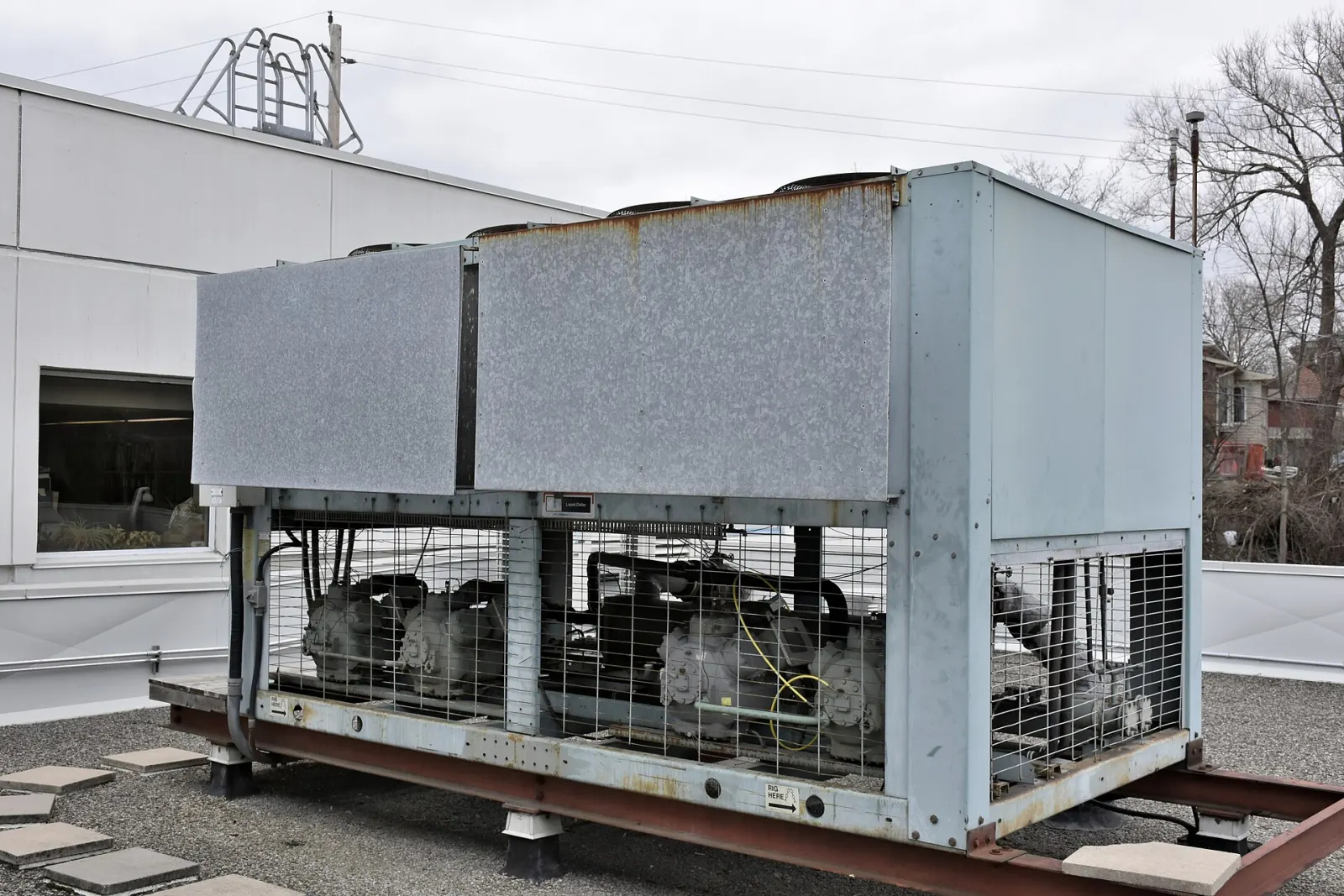
- Cover photo: Sid Mbog, CC BY-SA 4.0, via Wikimedia Commons
About the author
Joaquín TenésCo-founder of Delegic