Work order: what it is, what to include, an example and a free template


A work order is the document the office uses to get a job done: which customer, which equipment, what’s wrong, how urgent it is, which technician goes and when. It’s opened when a service request comes in or a preventive maintenance visit is due, and it’s closed with the technician’s service report. In this article you’ll find what to include, how to set priority, a filled-in example and a free template in Excel, Word and PDF.
What a work order is
At a maintenance, HVAC or installation company, every job starts with a work order. It can come from a customer’s service request (a breakdown), from the preventive maintenance plan (this quarter’s inspection) or from an accepted quote (an installation). The work order gathers what the technician needs to know before heading out, and it’s the reference for invoicing and for the equipment’s history.
It’s often confused with the service report. They’re the two ends of the same job:
Work order
- Before the visit. The office writes it.
- What needs doing: customer, equipment, problem, priority and technician.
- Used to send the technician out with the information.
Service report
- During or after the visit. The technician writes it.
- What was done: work, materials, hours and outcome.
- Used to invoice, back up the work and close the order.
The service report has its own guide and template: service report: what it is and what to include.
Work order statuses
A work order goes through four statuses. The costliest one is off the straight line: the order that goes back because the technician couldn’t finish.
What a work order should include
There’s no single official form. These are the fields no work order should be missing, and why. A work order loses almost all of them when the request is taken in a hurry:
| Field | Why | Required |
|---|---|---|
| Work order number and date opened | Links it to the request, the report and the invoice | Yes |
| How it came in | Phone, email, text, website or scheduled PM: so you know who to reply to | Recommended |
| Customer, contact and phone | Who to call if the technician can’t find the unit or can’t get in | Yes |
| Job site address | Where the equipment is, which isn’t always the billing address | Yes |
| Equipment | Type, make, model and serial number: decides which parts and tools to bring | Yes |
| Problem reported | What’s wrong, since when and which error code or alarm | Yes |
| Type of work | Corrective, preventive, installation or quote: changes how it’s billed | Yes |
| Priority | Emergency, standard or scheduled, with written criteria | Yes |
| Service agreement | If it’s under contract, what it covers and the response time | Recommended |
| Technician and scheduled date | Who’s going and when, so the customer can be told | Yes |
| Instructions and access | Keys, hours, who to ask for | Recommended |
| Planned materials | What to bring so nobody has to go back for it | Recommended |
| Closeout | Report number, date and outcome: completed, pending or canceled | Yes |
Here’s a well-filled-in work order. It’s the same breakdown as the example in our service report guide: the office opens the order the night before, and the report closes it the next morning.
Types of work orders
EN 13306, the European standard for maintenance terminology, separates corrective maintenance, carried out after a fault is found to restore the equipment to working order, from preventive maintenance, carried out beforehand to reduce the chance of failure. At a field service company, that turns into four types of work order:
- Corrective. A breakdown the customer reports. It’s the urgent one, and the one that loses the most information along the way.
- Preventive (PM). The inspection that’s due under a contract or a regulation.
- Installation or upgrade. A job with an accepted quote: new equipment, a replacement.
- Quote. A visit to see what’s needed before giving a price.
How to set priority
Priority without criteria ends with everything being urgent. The way to avoid it is to write down what counts as an emergency and keep it in front of whoever takes the calls. A simple set of criteria, with HVAC examples:
| Priority | When | Example |
|---|---|---|
| Emergency: today | Risk to people, the building or stock, or a contract deadline about to pass | A supermarket walk-in cooler warming up |
| Standard: 24–48 h | The unit is down, but there’s a workaround or no damage in the meantime | An office ductless unit not cooling in October |
| Scheduled | Can be planned with the customer | A PM visit, an inspection or an installation |
The six most common mistakes
- “Not working.” Without what it’s doing, since when and which alarm, the technician goes in blind.
- No make or model. The most common reason for a return trip: the technician didn’t have the part.
- No on-site contact number. The technician shows up and nobody lets them in.
- Everything’s urgent. Without criteria, whoever pushes hardest wins.
- No number. The order can’t be tied to the report or the invoice, and the equipment history gets lost.
- Never closed. Orders still open with the work done: nobody invoices and nobody knows what’s pending.
On paper, in Excel or in software
With a few orders a day, a template is enough. Once there are several technicians, service agreements and PM schedules, work orders live in the ERP or in maintenance management software, which keeps each unit’s history and flags preventive visits when they’re due. We cover it in what a CMMS is.
Free work order template
Work order template, ready to fill in
With every field from the table above: how it came in, type, priority, technician, planned materials and the closeout with the report number. In Excel, for the computer; in Word, to adapt to your company; in PDF, to print.
The work order starts with the service request
Almost everything a work order is missing got lost when the request was taken: a late-afternoon call, a forwarded email, a text with a photo and no address. Whoever takes it is in a hurry and has three other things open.
That’s exactly the work an AI agent can do in the office: take the request on any channel, ask for the make, model and alarm, look up the customer and leave the work order filled in for someone in the office to approve. We explain it in AI agents for maintenance companies.
In short
The work order is what the office asks for, before the visit. The service report is what the technician did, after. The work order is closed with the report.
The essentials: number, customer and contact, address, equipment with make and model, the problem with its alarm, type, priority with criteria, technician and date, and the closeout with its report.
Sources
- EN 13306:2018, Maintenance — Maintenance terminology (UNE, in Spanish)
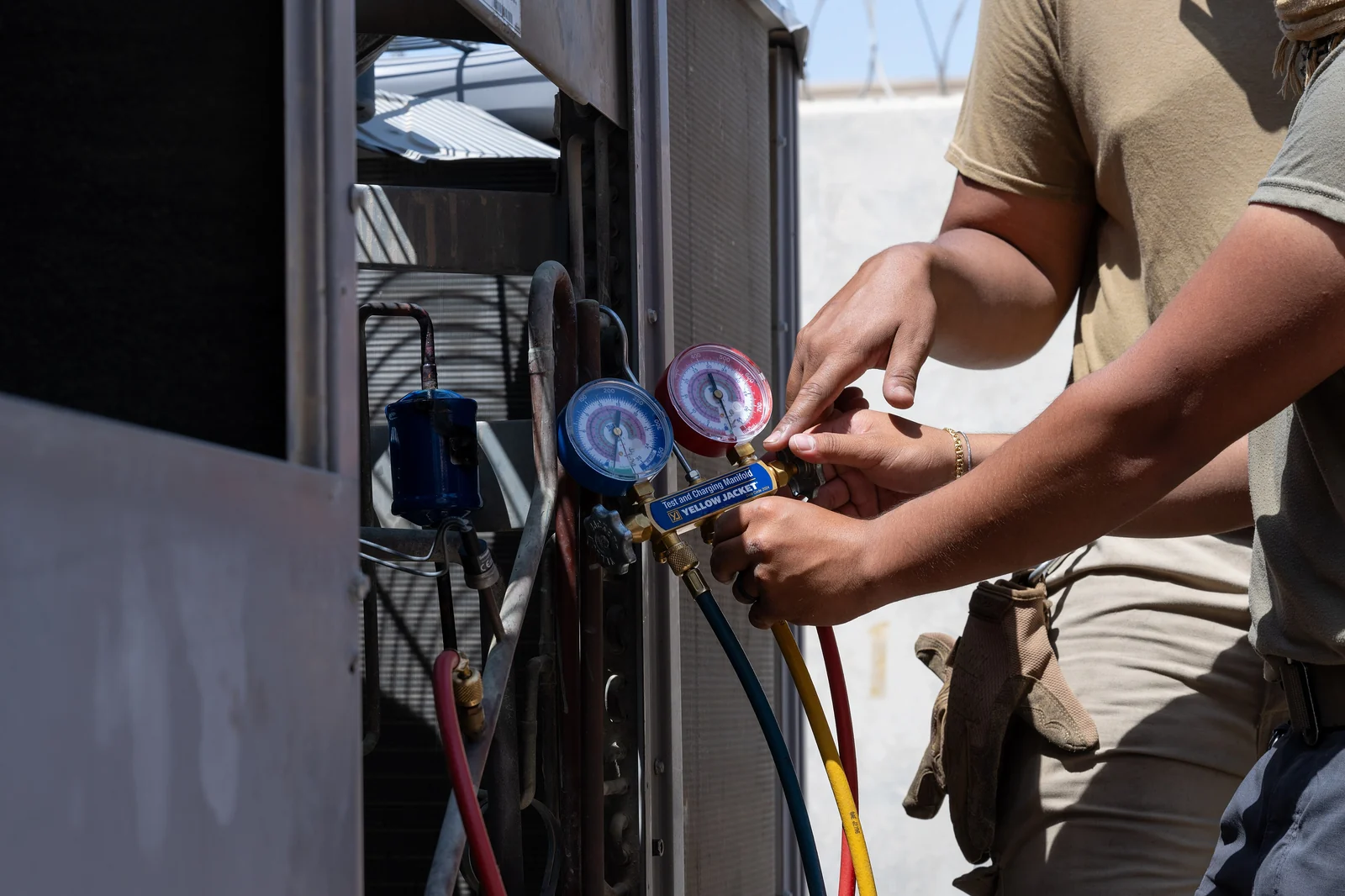
- Photo: U.S. Air Force, Airman 1st Class Derrick Boles, public domain, via Wikimedia Commons
About the author
Joaquín TenésCo-founder of Delegic